catalog
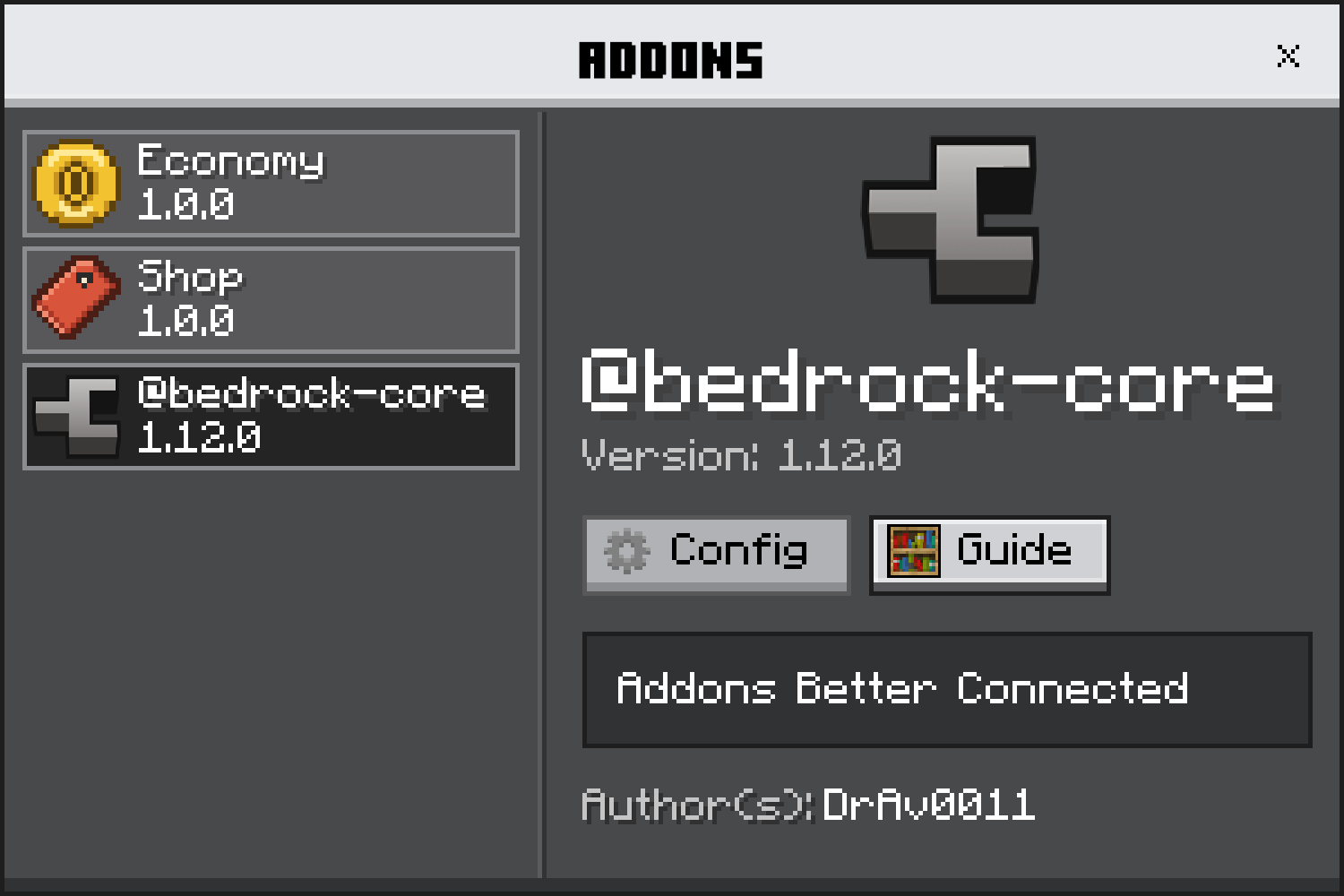
@bedrock-core/catalog is the addon browser: every bedrock-core addon in the world, each with the page it published.
Beta
@bedrock-core/catalog is in beta: the API can change between releases. Pin exact versions and read the changelog before upgrading.
Usage
Pass registerCatalog() as the catalog field, then open the list for a player:
import { core } from '@bedrock-core/server';
import { registerCatalog } from '@bedrock-core/catalog';

const { catalog } = core.register({ manifest, catalog: registerCatalog() });

catalog.open(player);
registerCatalog() takes no arguments: the list is the registry, and each page is what its addon published.
Install
- npm
- yarn
- pnpm
npm install @bedrock-core/catalog
yarn add @bedrock-core/catalog
pnpm add @bedrock-core/catalog
It runs beside @bedrock-core/server and @bedrock-core/ui.
What you get
- A command.
<namespace>:catalogopens the list with this addon selected.registerCatalog({ commands: false })leaves the command out, so you can open it from an item or a block instead. - Every addon in the world. Each addon that called
core.register(), in the same order everywhere, with the framework last. - Each catalog addon's page, drawn from its own pack. The page is built from the addon's manifest. Other registered addons remain visible in the list and use the fallback area until shared pages move below the catalog app.
Next steps
- The addon page — what is on it, where it comes from, and where its presses go
- API — every export
core.registry— the addons the catalog lists- The realm — how a press reaches the realm that answers it