config
@bedrock-core/config is an addon's settings and the screens that edit them: a schema in three scopes, stored as documents, and editable in game and from chat.
@bedrock-core/config is in beta: the API can change between releases. Pin exact versions and read the changelog before upgrading.
Usage
Declare each scope's settings in registerConfig(), then read a value or open the screens for a player:
import { core } from '@bedrock-core/server';
import { registerConfig } from '@bedrock-core/config';

const { config } = core.register({
  manifest,
  config: registerConfig({
    server: { announce: { type: 'boolean', label: 'Announce deaths', default: true } },
    player: { theme: { type: 'select', label: 'Theme', default: 'dark', options: ['dark', 'light'] } },
  }),
});

config.server.announce.get();
config.open(player);
Nothing else runs. The definition installs the scopes, the ui-compiler filter reads it out of this very call to shape one screen per section, and the install registers the commands and serves the show method another realm asks on.
The subsystem itself, the scopes, the entry types, storage, cross-addon reads and authorization, is documented on its own page; this section is about what the screens and the commands make of it.
Install
- npm
- yarn
- pnpm
npm install @bedrock-core/config
yarn add @bedrock-core/config
pnpm add @bedrock-core/config
It runs beside @bedrock-core/server and @bedrock-core/ui.
What you get
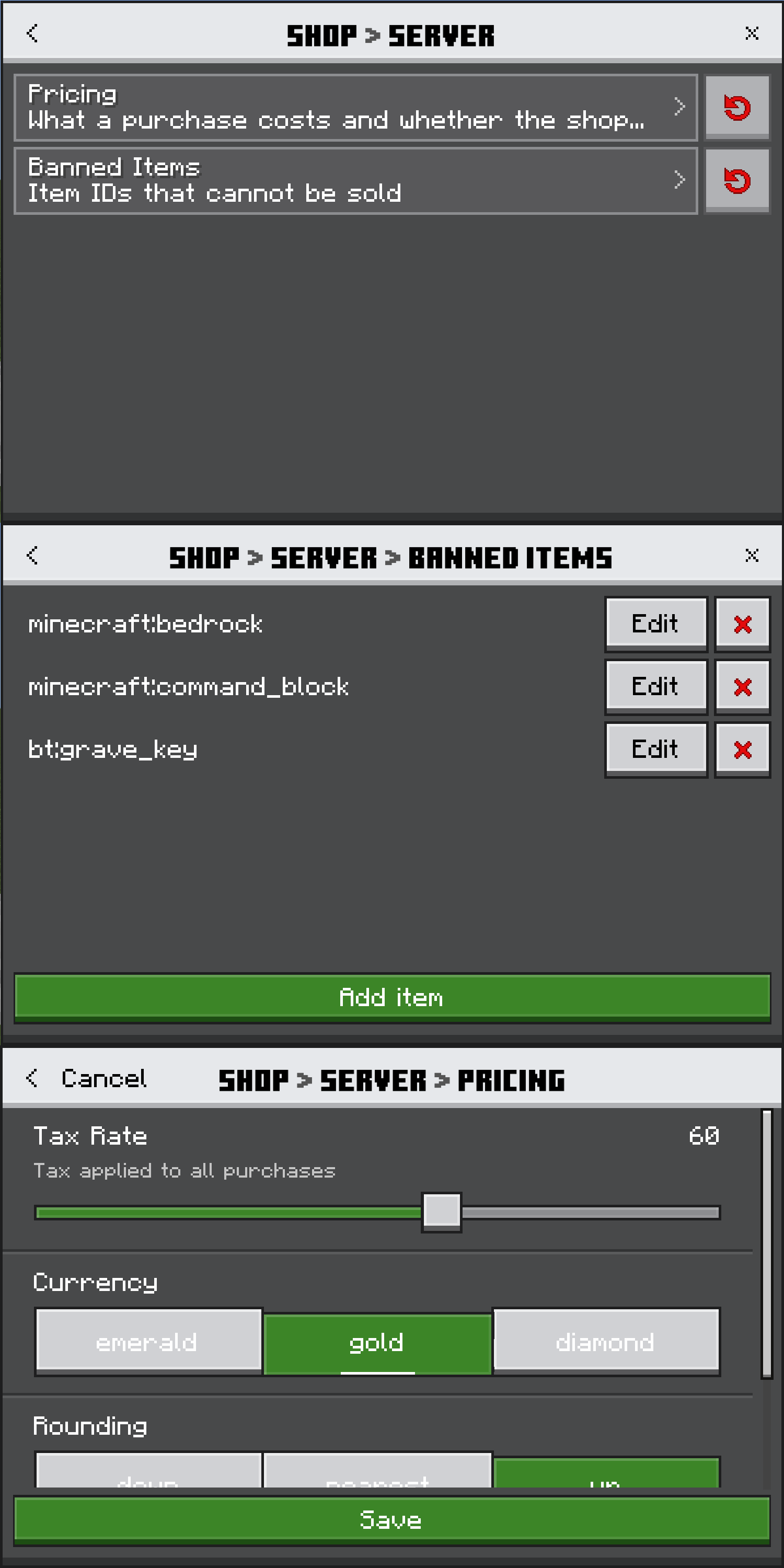
- Screens shaped for your schema. One compiled form per section with fields, baked into your own pack at build. A level is either a form or a screen of buttons, so every button names a real child section or list. Nothing about a section travels at runtime; only the values do.
- Two commands under your own namespace.
<ns>:configfor a player's own settings and<ns>:configatfor an operator reaching any scope, with generated autocomplete for every verb and every setting. Turn them off withregisterConfig(definition, { commands: false }). - Each addon draws its own settings. A command or
config.open()naming another addon hands the screens to that addon's realm, which draws them from its own pack and values, and the player comes back. - Strings you can override. Every label, hint and command reply is a
core.*key folded into your bundle, so a rename or a locale you ship reaches every screen.
Next steps
- From a schema to screens — which levels become forms, which become buttons, and what each entry is drawn as
- Commands — the two commands, the list verbs, and registering your own beside them
- Permissions and scopes — who reaches which scope
- Localization — the
corenamespace, overrides, and strings resolved in script - API — every export, and the three subpaths